Our Structure BePrepared Student Area Business Area Contact us Reserve a stand

The MyForum app

Student
area

The Forum takes place on Thursday 19 November 2026, Pavilion 7.1 at Paris Expo Porte de Versailles. Install MyForum now: you upload your CV there, and at the stands a single scan is enough to hand it over.


Download on the App Store Get it on Google Play
QR code to forum-cs.fr/app

On a computer? Scan this code with your phone, or type forum-cs.fr/app in its browser.

No smartphone? Web version: student.my.forum-cs.fr
The

In the app

What you will find there, and what you will use on the day.

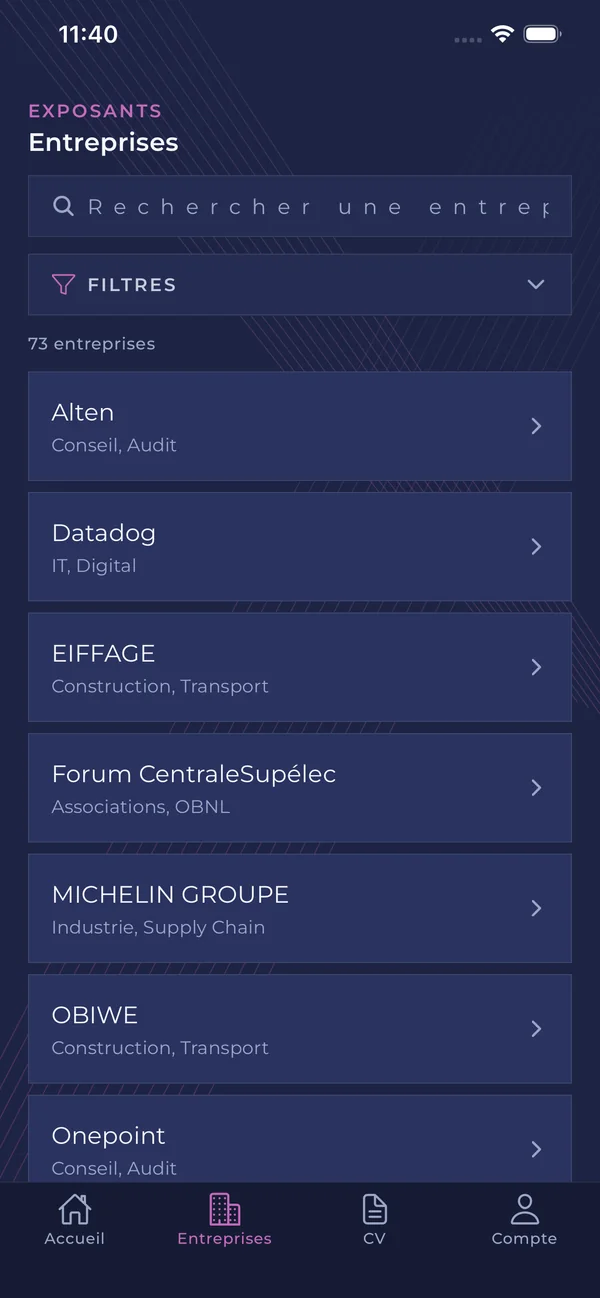
The companies

Every attending company, with search and filters by sector. No account needed to browse them.

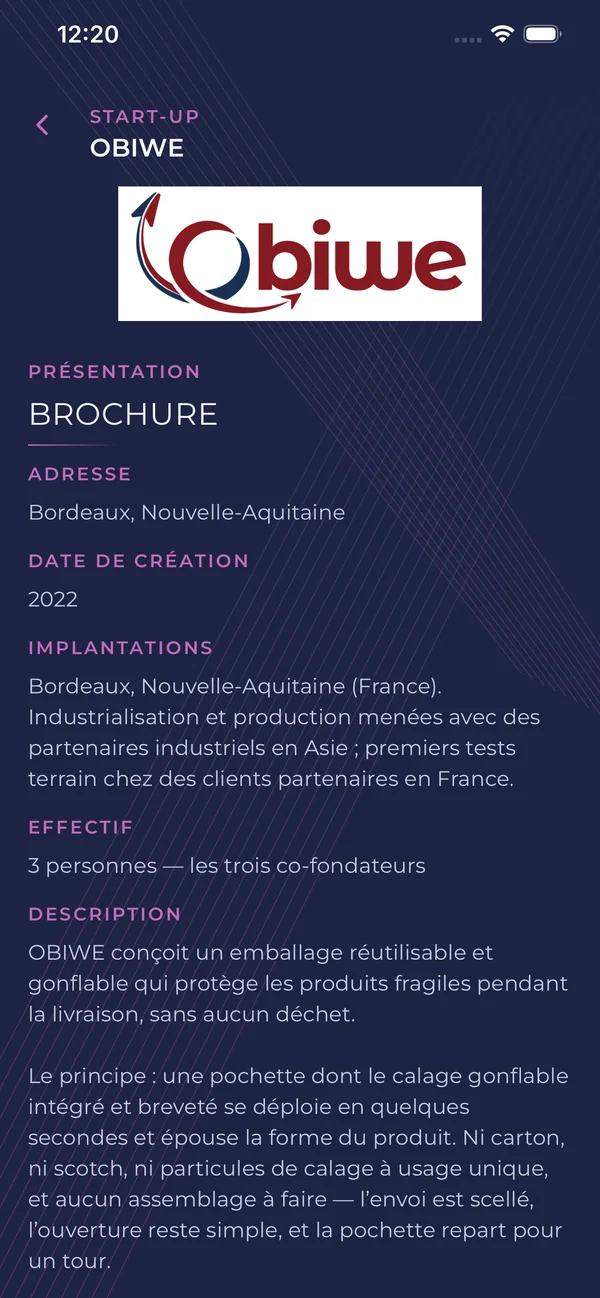
Their profile

Presentation, locations, headcount: enough to prepare your questions before you go to the stand.

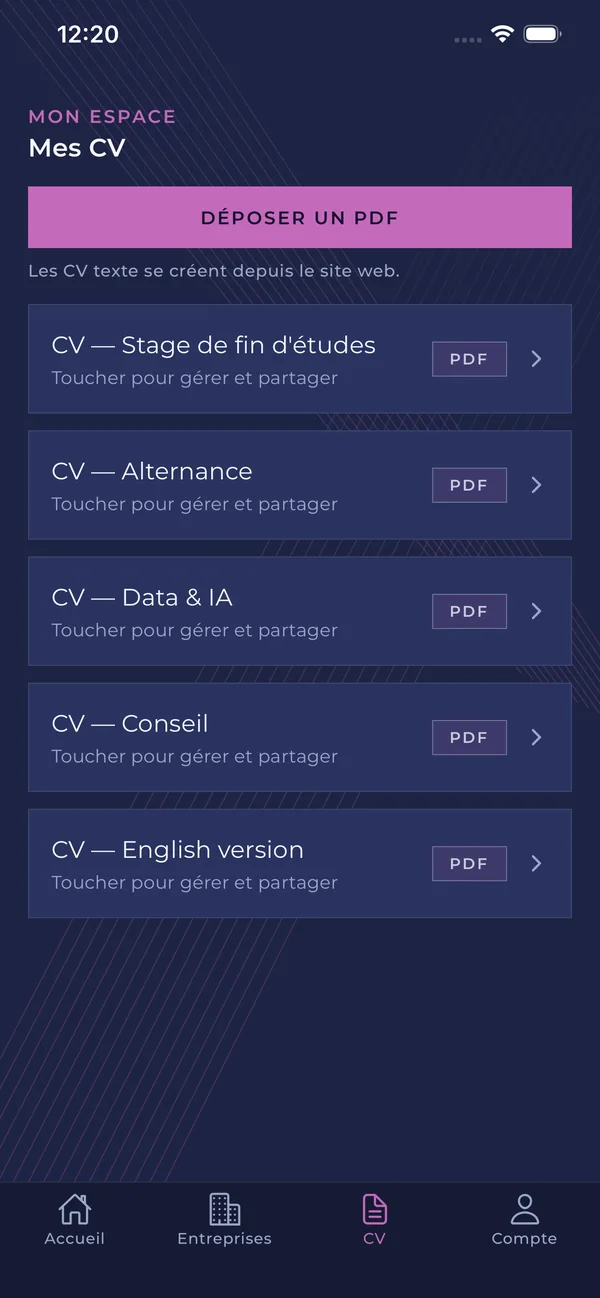
Your CV in one scan

At a stand, open your CV and show its QR code: the company representative scans it and receives it straight away. No company gets it without your consent.

The A company's profile in the MyForum app

Before 19 November

Five minutes now, and on Forum day all you have to do is open the app.

  1. Install MyForum

    From the App Store or Google Play.

  2. Sign in

    With your firstname.lastname@student-cs.fr address. A 6-digit code is sent to you by e-mail; there is no password.

  3. Upload your CV

    A PDF from your phone, in the CV tab. You can upload several and rename them.

Once signed in, you stay signed in.

Practical information

Date
Thursday 19 November 2026
Hours
9 am – 5 pm
Venue
Pavilion 7.1
Paris Expo Porte de Versailles

Frequently asked questions

The answers come from the app and are in French. Another question? Write to us at contact@forum-cs.fr.